Print it, write a note, give it personally.
Use the PDF that matches your paper: A4 or US Letter. The free homepage sample uses US Letter. Use it to check print quality before paying; choose the matching A4 or US Letter file for your final gift.
How to print your certificate
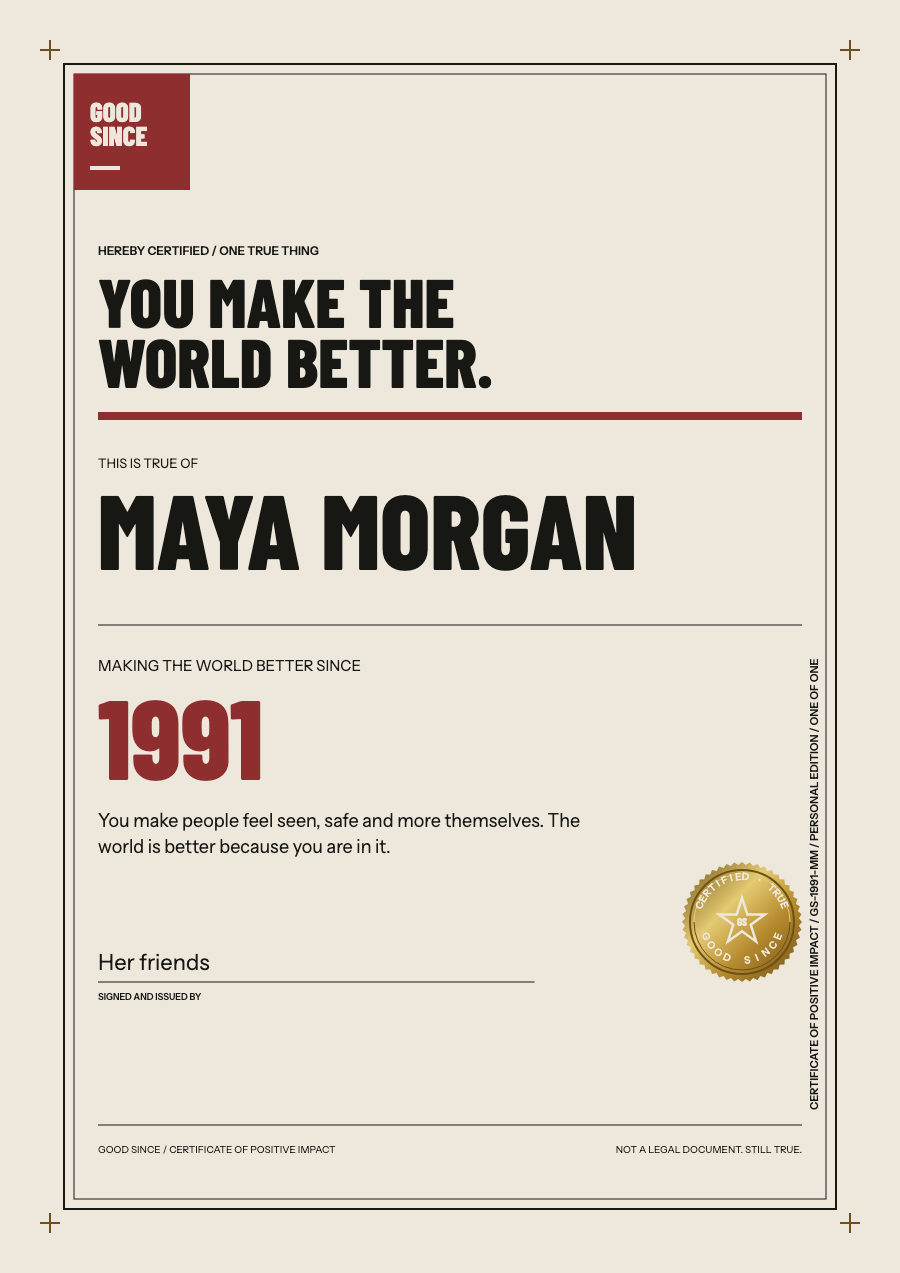
- Check the recipient's name, your message and signature in the preview.
- Choose the A4 PDF for A4 paper or the US Letter PDF for Letter paper.
- In your PDF viewer, inspect the print preview. Start with actual size or 100%. If your printer clips the edges, use its fit-to-printable-area option.
- Print a draft on ordinary paper. Check legibility, margins and colour before using your chosen paper.
- For heavier paper, check your printer's supported paper weight and feed instructions. A copy shop can also print the PDF.
Three ways to give it
- In an envelope: add a handwritten line about the moment behind your message.
- In a frame: check the frame's visible opening against the printed certificate before buying.
- On a phone: send the mobile card with your own message. Avoid sending the private purchase recovery link.
Before you print
Do you ship a physical gift?
No. GOOD SINCE provides digital files. Printing, paper, frames and shipping are not included.
Will colours look exactly like my screen?
They may differ with the screen, printer, ink and paper. A sample print is the best way to check your own setup.
Can I test it before paying?
Yes. The homepage has a free US Letter sample PDF. It lets you check print quality and margins on Letter paper; it is not an A4 sample. Your personal files unlock after payment.